A SLAPS ART GAME / BROWSER EDITION
NO SAFE
FLOOR
Thirteen floors. Thirteen realities.
One way up.
The doors open onto another world. Find the elevator’s missing item, scavenge what you can, and keep moving before reality collapses.
YOUR NEXT FLOOR IS WAITING
Going up?
Desktop browser · Keyboard & mouse
The game downloads when you press Play.
Click Play, then select Enter Elevator in the game.
View controlsThis game needs a keyboard and mouse. Touch controls are not available.
Same elevator.
Nothing else stays the same.
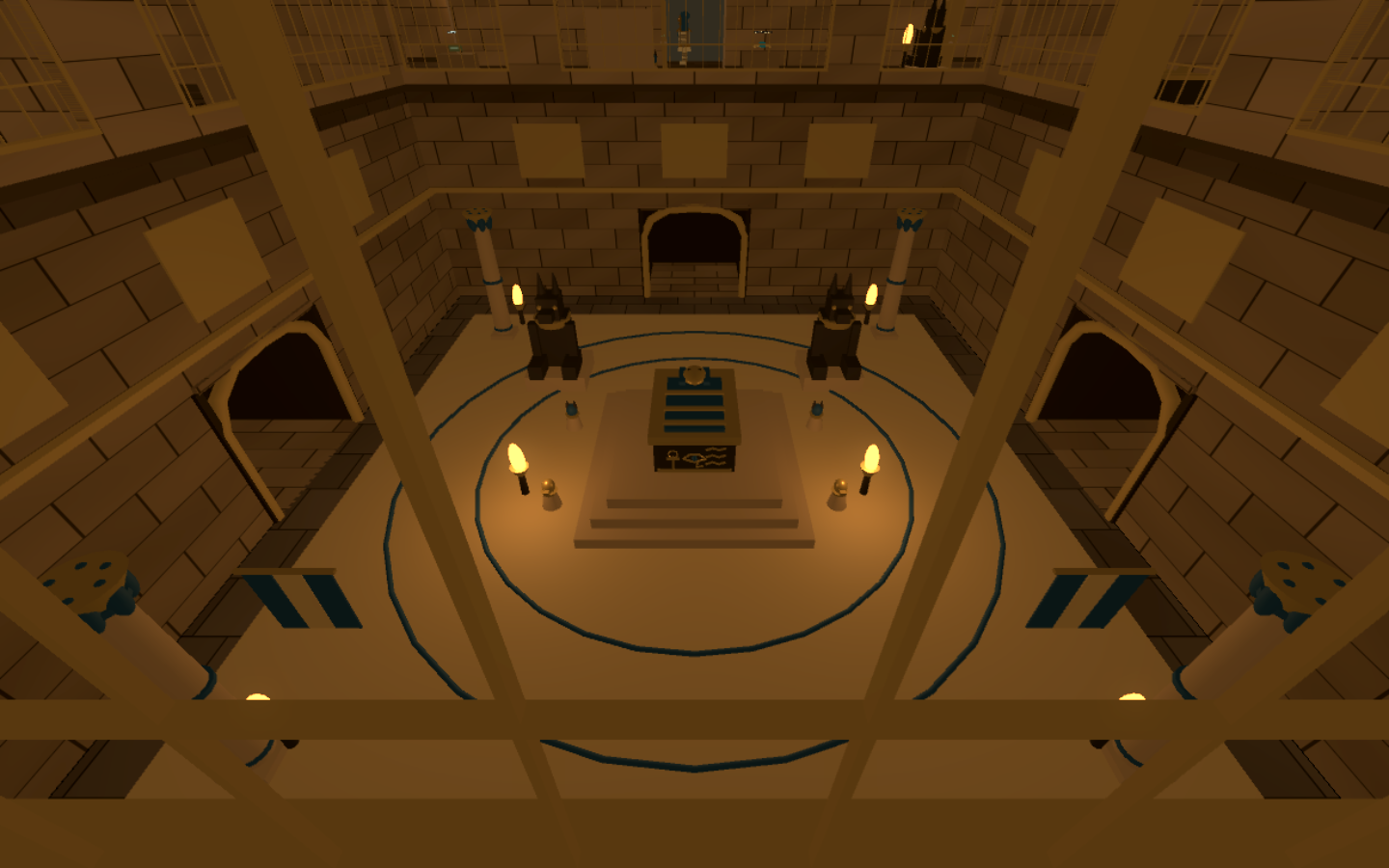
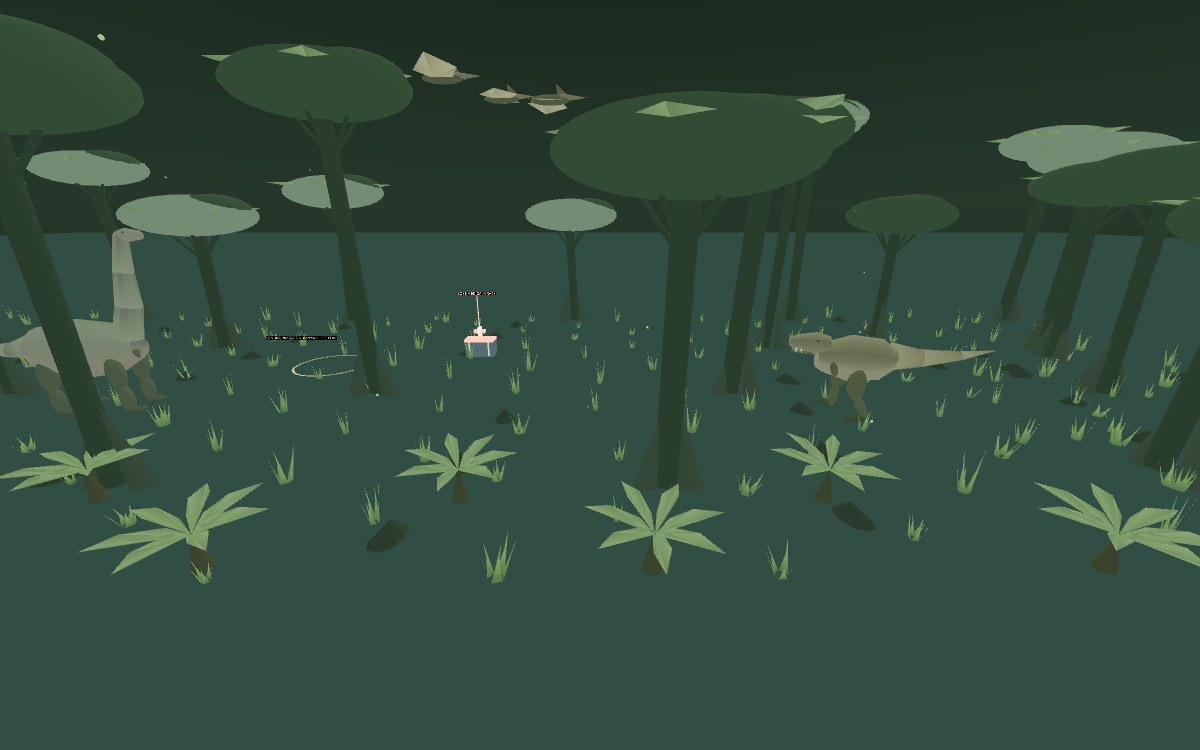
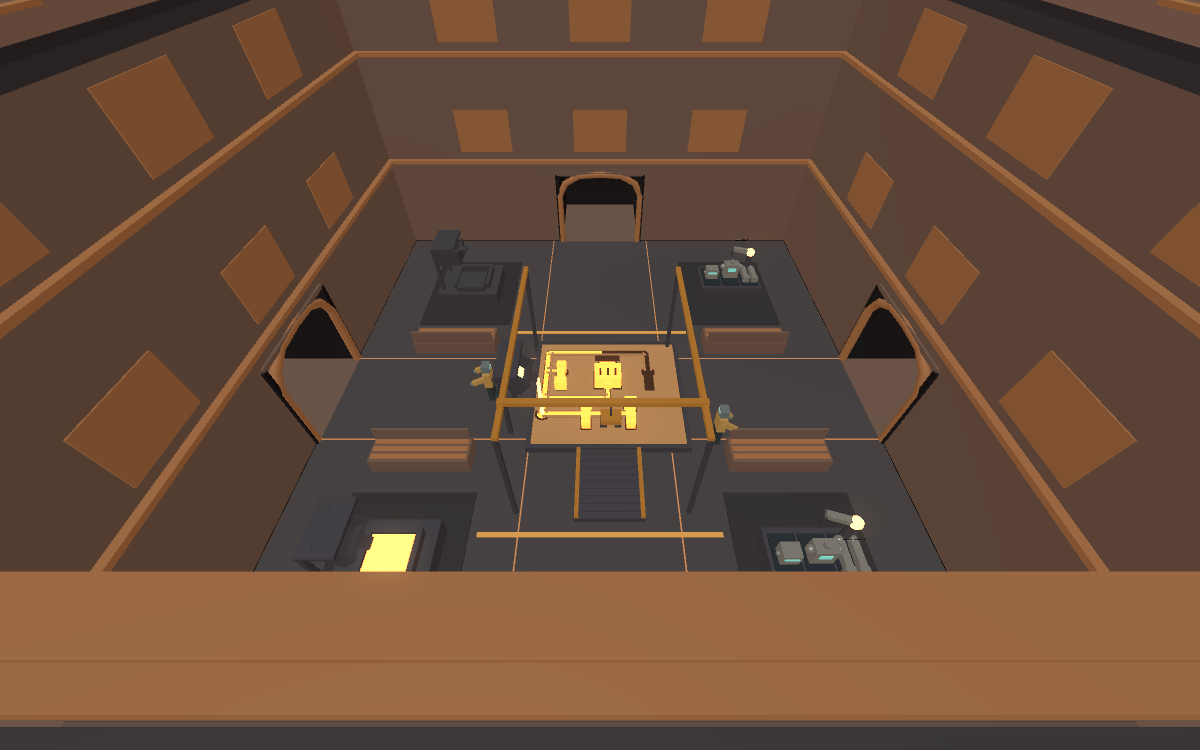
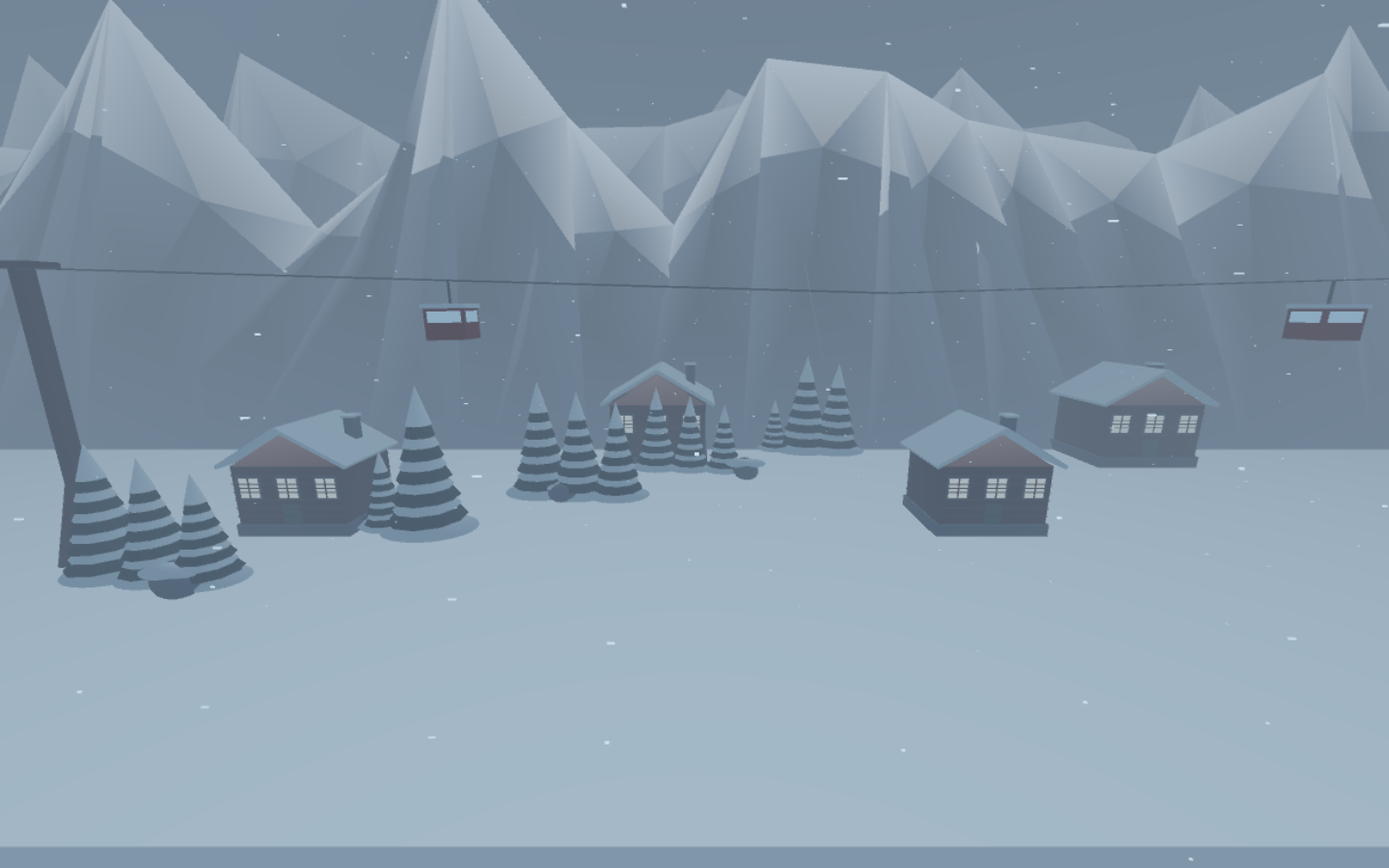
Offices give way to alien growth, ocean depths, a dinosaur jungle, a robot foundry, and worlds that should never share a building.
Search rooms for supplies and the item that unlocks your next floor. Sprint, jump, and slide past enemies. Close a door to buy a few seconds. Hunger, health, and ammunition follow you upstairs.
Secret rooms and dangerous detours reward the curious. The clock keeps ticking.
Keep moving.
Click inside the game to capture your mouse.
Esc pauses and releases it.
- Move / look
- W A S D+ mouse
- Sprint / jump
- ShiftSpace
- Slide: hold Shift + a direction
- thenCorCtrl
- Collect / interact / elevator
- E
- Open / close doors
- F
- Fire / reload
- Left clickR
- Switch weapons
- Qor1 / 2
- Throw a grenade
- G
- Pause / mute
- EscM
Browser tips
Use the Fullscreen button above the game for an unobstructed view. If your browser declines fullscreen, the player expands to fill the tab instead. Escape or Close expanded view returns to this page. In a new tab, a Fullscreen button is available while the game is paused or in its menu.
Click Continue after pausing. If your browser refuses to capture the mouse, hold the right mouse button and drag to look around; movement and other controls still work. Escape pauses the game.
For smoother play, lower render quality or turn off bloom in the game’s pause menu. A current desktop browser with WebGL 2 support is required.
Progress is saved locally in this browser. Private browsing, clearing site data, or switching browsers can remove or separate that progress. The web version does not import a desktop save.